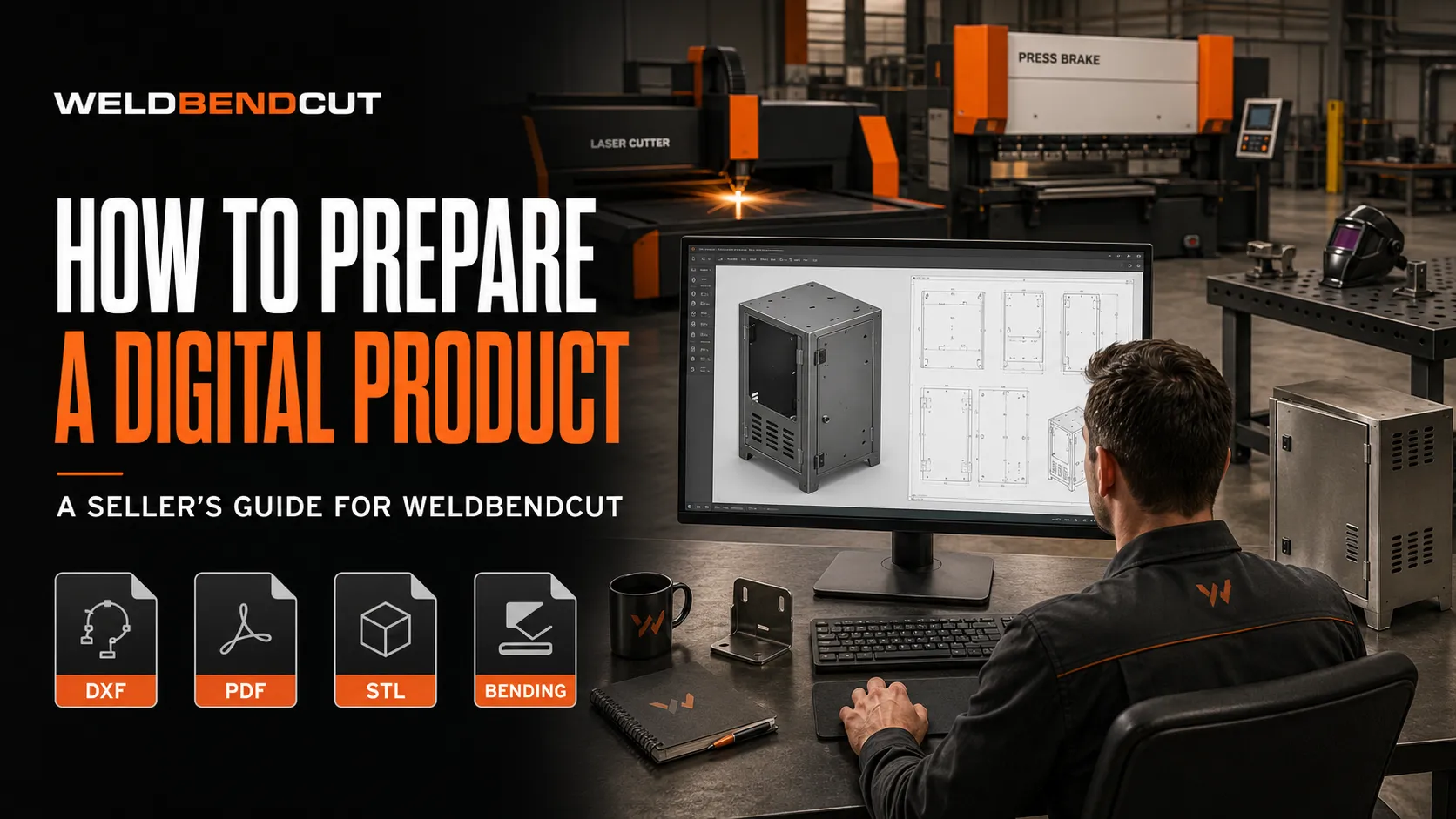
Selling your fabrication designs on Weldbendcut is an excellent way to turn your technical knowledge and creative work into a source of income. Fabricators, engineers, CAD designers and skilled workshop professionals can upload their designs and reach customers looking for files ready for cutting, bending, welding and assembly.
A successful digital product must be more than an attractive 3D model. Buyers need accurate files, clear fabrication information and a professional product presentation. This guide explains how to prepare your design before listing it on Weldbendcut.
1. Complete and Check Your Design
Before preparing files for download, make sure the design is complete and suitable for fabrication.
Check that:
- All components fit together correctly.
- Dimensions are accurate and shown in millimetres.
- Material types and thicknesses are specified.
- Holes, slots, bends and connection points are properly positioned.
- Doors, drawers and moving components operate without interference.
- Parts have sufficient clearance for assembly.
- Weld locations and joining methods are practical.
- Sharp edges and unsafe design features have been considered.
- The finished product can be manufactured using commonly available processes.
If possible, fabricate a prototype or carefully inspect the complete assembly in your CAD software before publishing it.
2. Organise the Parts
Give every component a clear and consistent name. Avoid filenames such as:
Part1.dxf
New Part.dxf
Final Final 2.dxf
Use descriptive names instead:
Side_Panel_Left.dxf
Side_Panel_Right.dxf
Top_Cover.dxf
Door_Panel.dxf
Mounting_Bracket.dxf
Assembly_Drawing.pdf
You can also include a part number and required quantity:
P01_Side_Panel_QTY2.dxf
P02_Top_Panel_QTY1.dxf
P03_Base_Panel_QTY1.dxf
Clear filenames help customers identify components and reduce fabrication errors.
3. Prepare the Cutting Files
Provide appropriate files for CNC laser, plasma, waterjet, router or other compatible cutting machines.
Common cutting formats include:
- DXF
- DWG
- SVG
- CDR
- PDF, where appropriate
Before exporting cutting files:
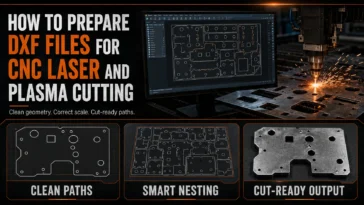
- Use the correct scale, preferably 1:1.
- Remove dimensions, notes and unnecessary construction lines.
- Remove duplicate or overlapping lines.
- Join open profiles where required.
- Convert splines or unsupported objects if necessary.
- Confirm that every cut profile is closed.
- Separate files according to material type and thickness.
- Clearly identify the required quantity of each part.
- Check that holes and slots are suitable for the intended cutting process.
Do not place several different material thicknesses in one cutting layout unless they are clearly separated and labelled.
4. Prepare Sheet-Metal Bending Files
If the product contains folded components, include files that help the buyer prepare and bend them correctly.
The bending information should show:
- Flat pattern
- Material thickness
- Bend locations
- Bend direction
- Bend angle
- Internal bend radius
- Critical finished dimensions
- Quantity required
Where possible, include a flat-pattern DXF and a separate fabrication PDF showing the bending sequence.
Bend allowances can vary depending on the material, machine, tooling and workshop practices. Add a note advising the fabricator to confirm the bend deduction or K-factor before production.
5. Create a Detailed Fabrication PDF
The fabrication PDF is one of the most important parts of the product package. It should help the buyer understand how the separate components form the finished product.
A useful fabrication drawing may include:
- Overall product dimensions
- Individual component dimensions
- Material specifications
- Sheet or section thicknesses
- Part names and quantities
- Hole and slot locations
- Bend details
- Weld symbols or joining instructions
- Exploded assembly views
- Section views
- Important fabrication notes
- Recommended hardware or accessories
- Cutting list or bill of materials
Keep the drawing clean and readable. Avoid placing too much information on a single page.
Whenever possible, use several organised pages:
- General arrangement
- Overall dimensions
- Individual part details
- Flat patterns and bends
- Assembly instructions
- Bill of materials
6. Include a 3D Model
A 3D model helps customers inspect and understand the design before fabrication.
Common 3D formats include:
- STL
- STEP
- STP
- OBJ
- PLY
STL files are useful for viewing and prototyping, but editable formats such as STEP may provide more flexibility when customers need to modify the design.
Before exporting the model:
- Confirm that all components are correctly positioned.
- Remove unnecessary reference geometry.
- Check the model’s units and scale.
- Remove confidential information.
- Make sure the exported file opens successfully.
- Clearly state whether the model is editable or provided for reference only.
7. Add a Bill of Materials
A bill of materials helps the buyer estimate costs and prepare everything needed for fabrication.
Include details such as:
| Item | Component | Material | Size or thickness | Quantity |
|---|---|---|---|---|
| 1 | Side panel | Mild steel | 2 mm sheet | 2 |
| 2 | Top panel | Mild steel | 2 mm sheet | 1 |
| 3 | Frame member | Square tube | 40 × 40 × 2 mm | 4 |
| 4 | Hinge | Steel | Selected type | 2 |
Also mention components that are not included in the design package, such as:
- Handles
- Locks
- Hinges
- Wheels
- Glass
- Timber panels
- Electrical components
- Fasteners
- Purchased accessories
This prevents customers from assuming that every accessory is part of the downloadable package.
8. Include a Read-Me File
Add a simple PDF or text document explaining the contents of the download.
The read-me file should include:
- Product name
- Seller or shop name
- List of included files
- Units used
- Recommended materials
- Important fabrication notes
- Software compatibility information
- Customisation guidance
- License conditions
- Seller contact method
You should also remind buyers to verify measurements and manufacturing requirements before cutting.
9. Test Every File
Never assume that an exported file works correctly. Open and inspect every file before uploading it.
Confirm that:
- DXF files open at the correct scale.
- Cutting paths are clean and complete.
- PDF pages are clear and readable.
- STL or other 3D files display correctly.
- Bending information matches the flat patterns.
- Filenames match the part list.
- No important file is missing.
- The ZIP folder opens without errors.
When possible, test the files using software other than the program used to create them. This can reveal compatibility problems.
10. Package Everything in a ZIP Folder
Weldbendcut products should be organised and compressed into a ZIP file before uploading.
A recommended folder structure is:
Product_Name/
├── 01_Cutting_Files/
├── 02_Bending_Files/
├── 03_Fabrication_Drawings/
├── 04_3D_Models/
├── 05_Preview_Images/
├── Bill_of_Materials.pdf
├── Read_Me.pdf
└── License.pdf
Name the final package professionally:
Electrical_Cabinet_Fabrication_Package.zipAvoid unclear names such as:
Files.zip
Final.zip
Download1.zip
The ZIP file should contain only the files promised in the product listing.
11. Create Professional Product Images
Product images strongly influence whether a visitor opens or purchases a listing.
Your main product card should:
- Show the finished product clearly.
- Use an illustrative or realistic presentation.
- Have a clean, professional background.
- Include the product name.
- Mention the included file formats.
- Use consistent branding.
- Be easy to understand at thumbnail size.
Because the listing sells a downloadable design, the main product card should generally not display fabrication dimensions, technical drawing layouts or a price. Dimensions can be provided in the product description and fabrication PDF.
Additional gallery images may show:
- Front and side views
- Open and closed positions
- Product in a realistic environment
- Exploded assembly
- Selected drawing previews
- Available colour or material options
- Example applications
Do not upload the complete cutting file as a high-resolution preview. Protect your work by using controlled previews that demonstrate quality without revealing the entire downloadable design.
12. Write an Accurate Product Title
The title should clearly explain what the customer is buying.
A useful title structure is:
Product Name + Main File Types + Intended UseExample:
Wall-Mounted Electrical Cabinet DXF, STL, PDF and Bending FilesAvoid vague titles such as:
My Cabinet DesignUse words that buyers are likely to search for, but do not repeat keywords unnaturally.
13. Write a Detailed Product Description
The description should explain the product, its purpose and exactly what the buyer will receive.
Include:
- What the design is
- Intended applications
- Main construction features
- Approximate overall dimensions
- Recommended materials
- Included file formats
- Available customisation options
- Required accessories
- Software or machine compatibility
- Digital-download notice
- Fabrication and safety disclaimer
Clearly state that the listing is for digital files only and that no physical product or material will be delivered.
14. Explain Customisation Options
Many customers need designs adapted to their local materials, machinery or project requirements.
State whether the design can be modified for:
- Different overall dimensions
- Alternative material thicknesses
- Different tube or section sizes
- Additional holes and openings
- Handles, locks or hinges
- Different shelf arrangements
- Branding or decorative patterns
- Alternative manufacturing processes
If you offer custom design services, direct buyers to the appropriate Weldbendcut contact method. Do not promise free modifications unless you are prepared to provide them.
15. Select a Fair Price
Your price should reflect the value of the complete fabrication package, not only the time required to export the files.
Consider:
- Design complexity
- Number of components
- Number of file formats
- Quality of the fabrication drawings
- Inclusion of bending files
- Inclusion of editable 3D models
- Testing or prototyping completed
- Commercial usefulness
- Availability of customer support
- Level of customisation offered
Simple designs may be priced lower, while detailed industrial packages with numerous components, bending instructions and assembly drawings can command a higher price.
16. Set Clear License Conditions
Tell customers what they may and may not do with the downloaded files.
A typical license may allow the buyer to:
- Use the files for personal projects
- Fabricate physical products
- Sell physical products made from the files
The license should normally prohibit the buyer from:
- Reselling the digital files
- Sharing or distributing the files
- Uploading the files to another marketplace
- Claiming the design as their own
- Including the files in another digital package
Ensure that you own the design or have permission to sell it. Do not upload copied, pirated or trademark-infringing work.
17. Perform a Final Upload Check
Before publishing, confirm the following:
- The design is complete and fabrication-ready.
- All measurements use consistent units.
- Cutting files are correctly scaled.
- Bending details are included where required.
- The fabrication PDF is readable.
- The 3D model opens correctly.
- The bill of materials is accurate.
- All promised files are inside the ZIP folder.
- The product images represent the design accurately.
- The description clearly states that it is a digital product.
- The price and license conditions are appropriate.
- Your contact and customisation information is correct.
Final Thoughts
A professional Weldbendcut listing should give the buyer confidence that the design has been prepared by someone who understands fabrication. Accurate cutting files, organised drawings and clear product information reduce errors, improve customer satisfaction and help build your reputation as a reliable seller.
Treat every download as a complete fabrication package—not simply a collection of exported files. The easier your design is to understand and manufacture, the more valuable it becomes to workshops and fabricators.
Prepare carefully, present professionally and help customers turn your digital designs into real products.
 No products in the cart.